Umans Code for Organizations
One balance for the team. A key and a monthly limit for each person. Service accounts for automations.
This page extends the User Guide. CLI install, tool setup, models, and the API work the same way for organizations. What follows is only what changes when you bring a team.
Set up your team
Six steps. The first one is ours.
1Ask us for an organization
Email contact@umans.ai with the email of your first admin. We create the organization and invite them.
Buying through AWS Marketplace? Your organization is created when you subscribe there.
2Open your organization
Sign in to your dashboard. In the menu at the top right, pick your organization under Context.
3Add funds
In Wallet, add a card and buy credits. Every key of the organization draws from this one balance.


A fixed monthly charge is under Paying. With AWS Marketplace you pay on AWS: skip this step.
4Invite your team
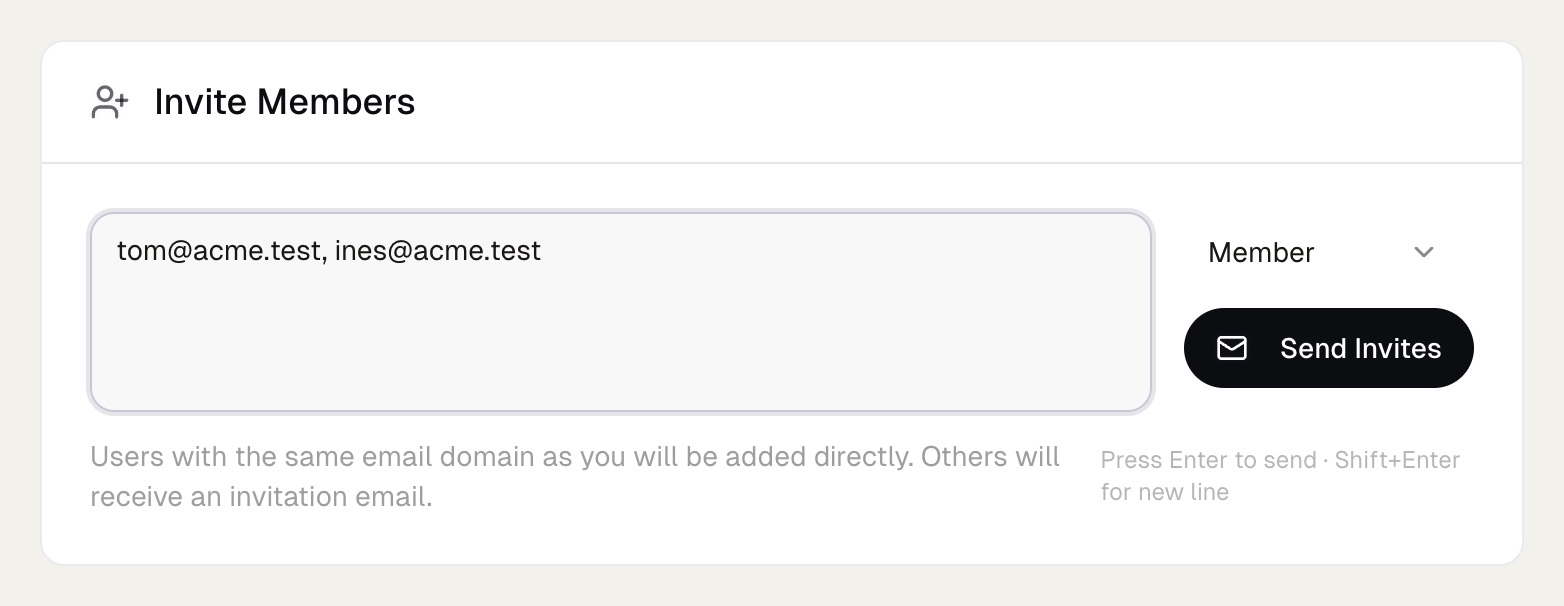
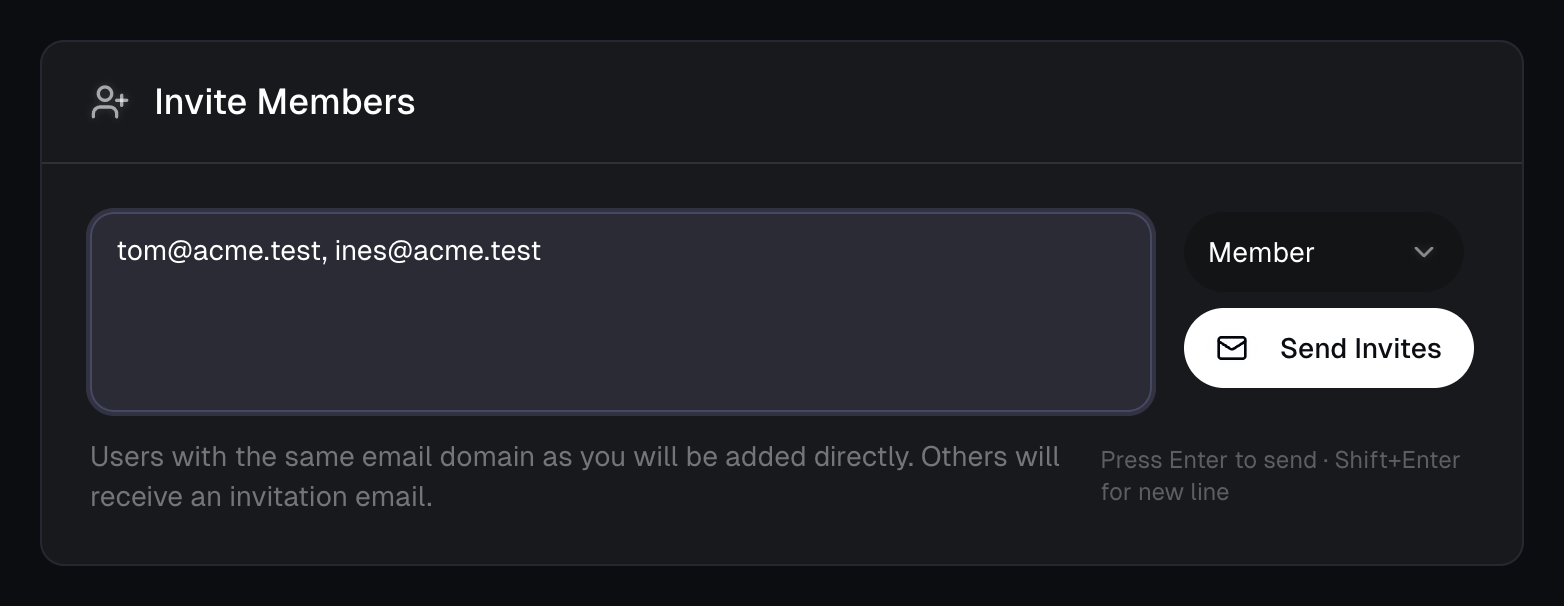
In Members, enter their emails and send. Teammates who already have an account on your email domain are added at once. Everyone else gets an invitation by email.
5Set monthly limits
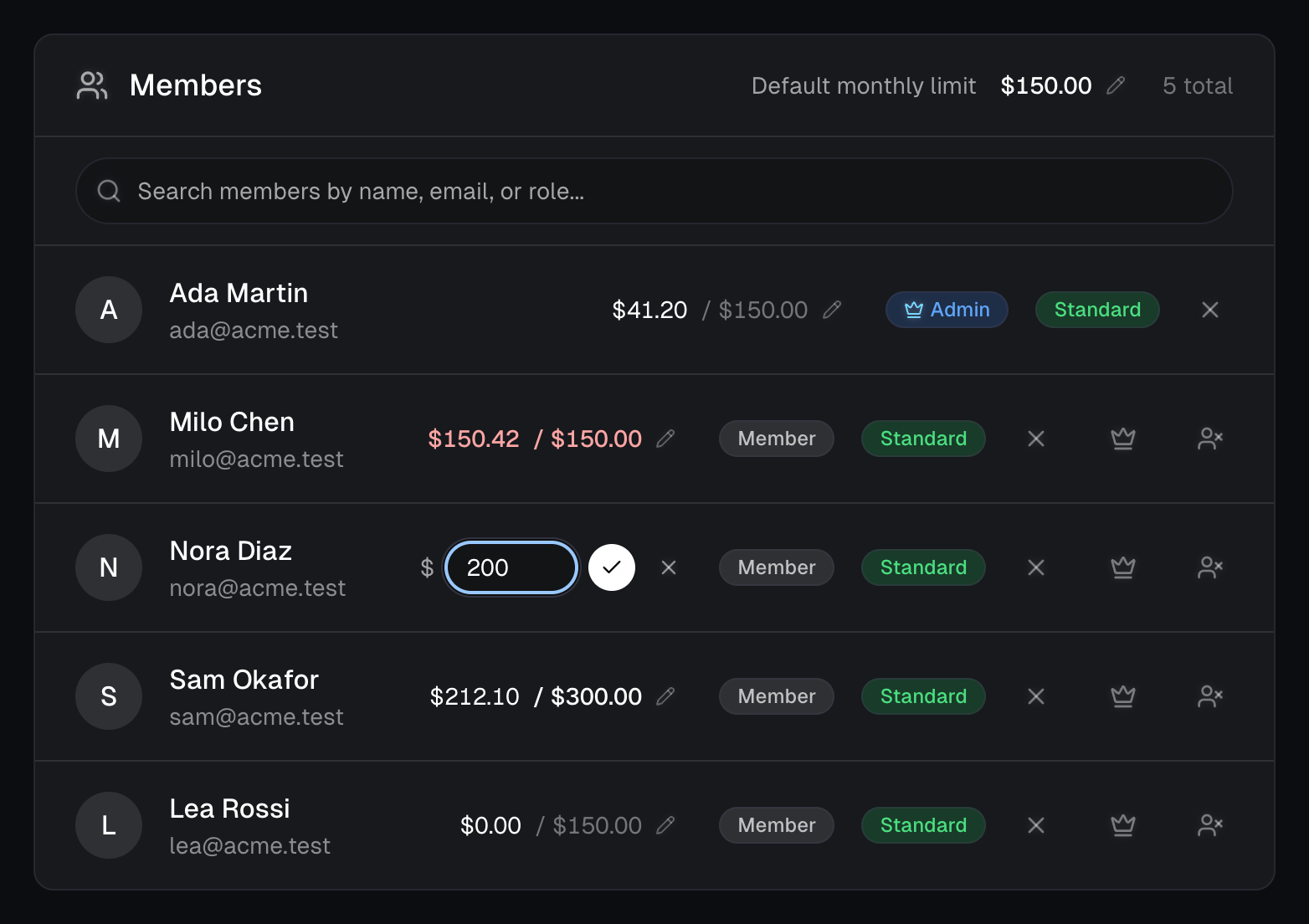
Still in Members, set the default for everyone at the top of the list, and a different limit on any person's row. Clear a field to remove that limit.
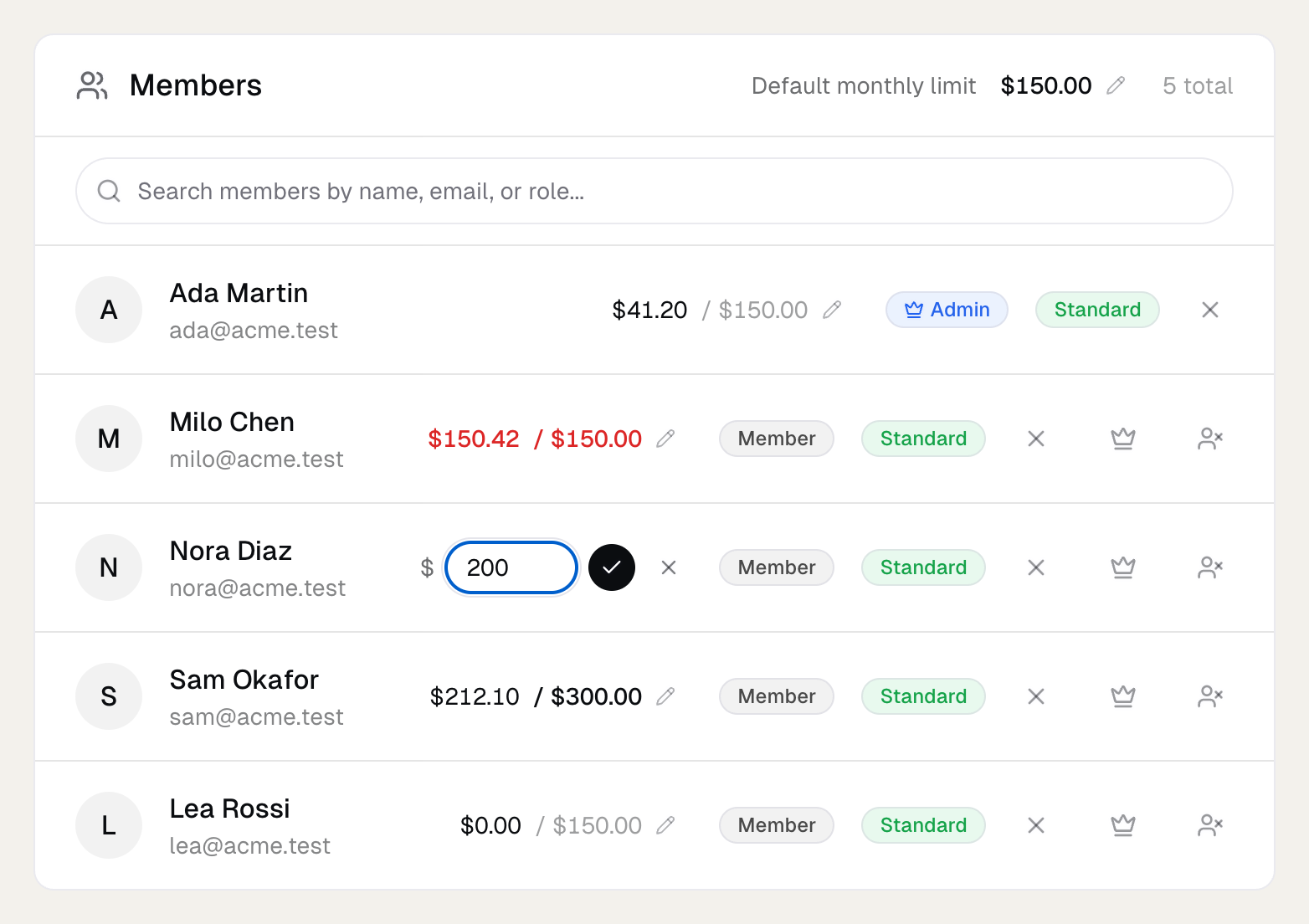
Limits are optional. How they behave is under Monthly limits.
6Your teammates start coding
Each teammate follows the Quick Start and runs umans claude. Their browser opens, they sign in, and their key is created on your organization. Someone who also has credits of their own is asked where to bill, with your organization proposed first.
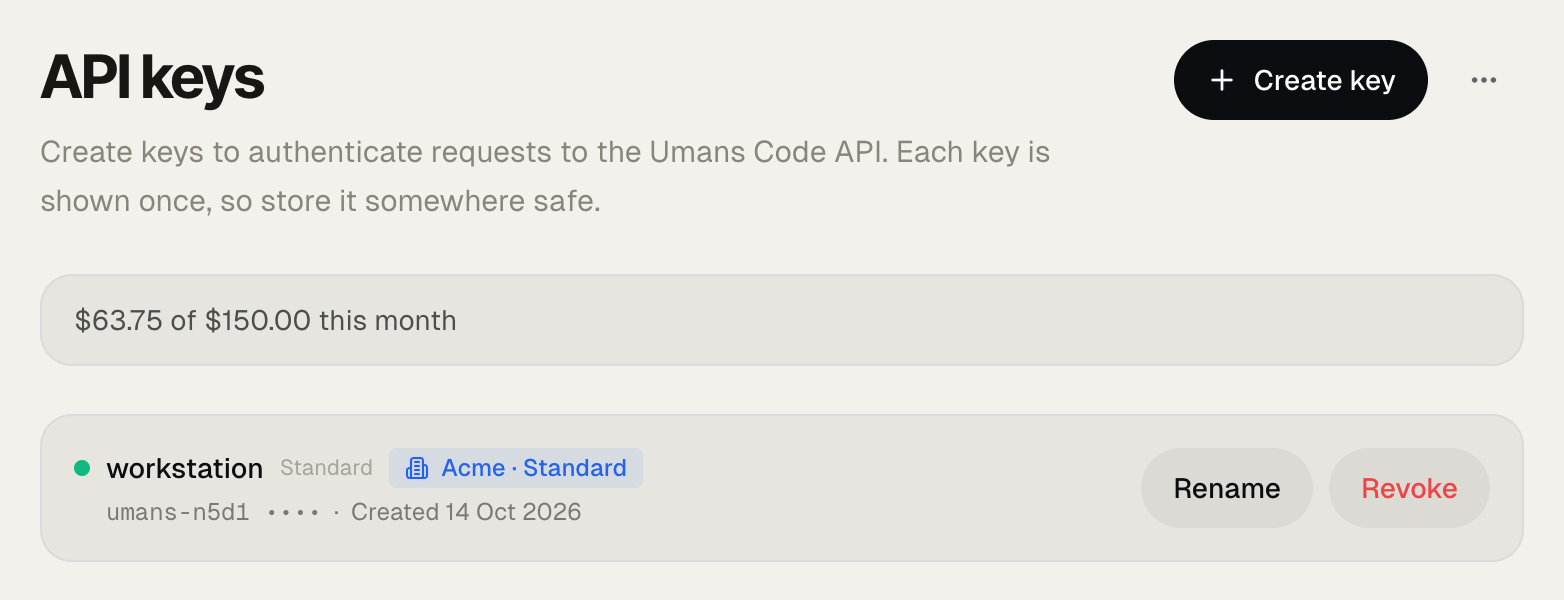
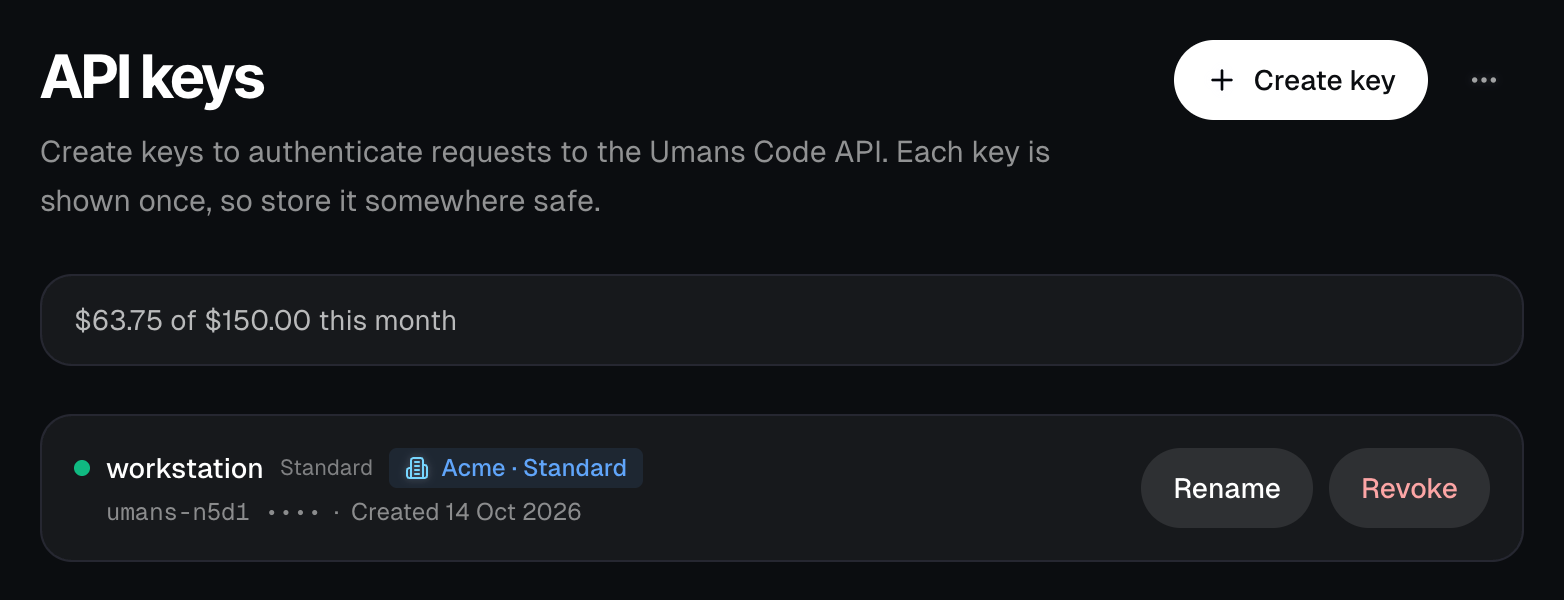
In API keys they see what they have used this month.
Monthly limits
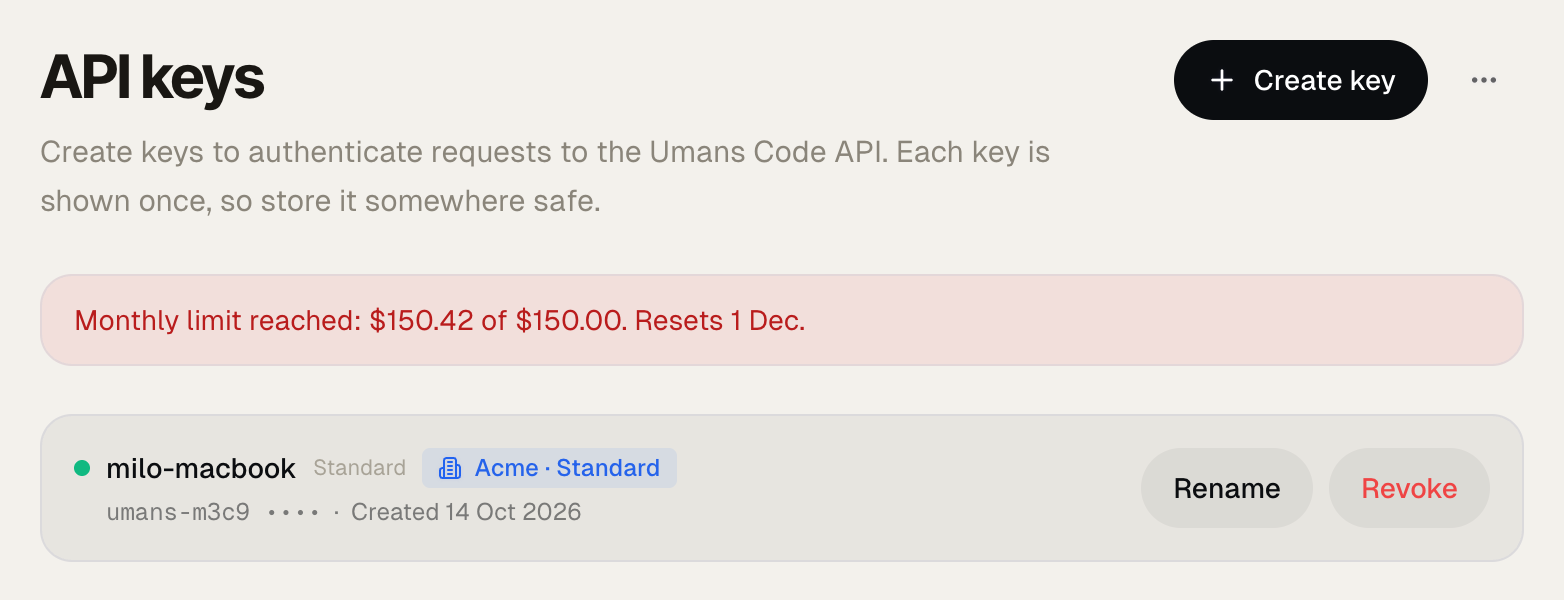
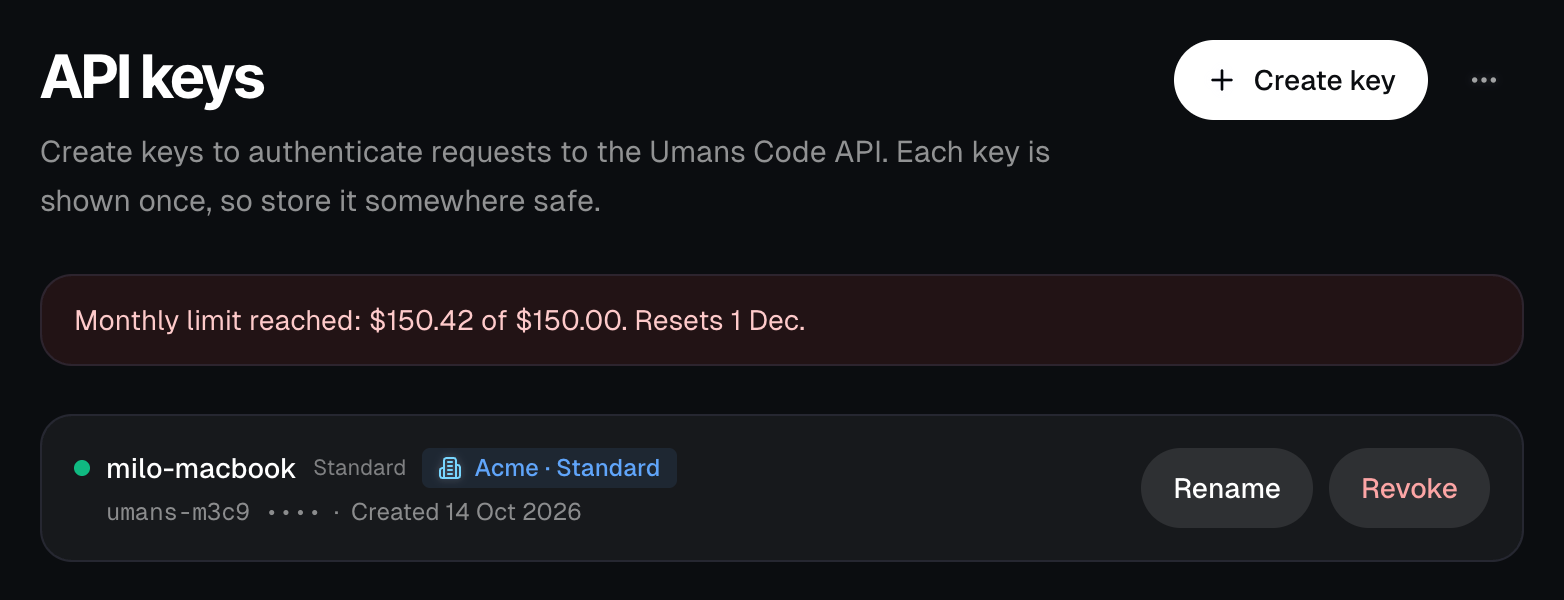
A limit is an amount in dollars per calendar month (UTC). Admins set it, and each member sees their own.
- At the limit, only that person stops. Their requests return a
403of typebudget_exceeded, and their API keys tab says why. - They start again on the 1st of the next month, or within a minute once an admin raises the limit.
- $0 pauses someone without removing them.
- Without a limit of their own, a member follows the default. With no default either, only the balance limits them.
- Requests in flight finish, so a month can end slightly above the limit.
Service accounts (for automations)
Service-account keys run without a human behind them. They draw from the organization wallet at per-token rates. You only pay for what the automation actually consumes.
Create them in Wallet. Each one can have its own monthly limit, set on its row.
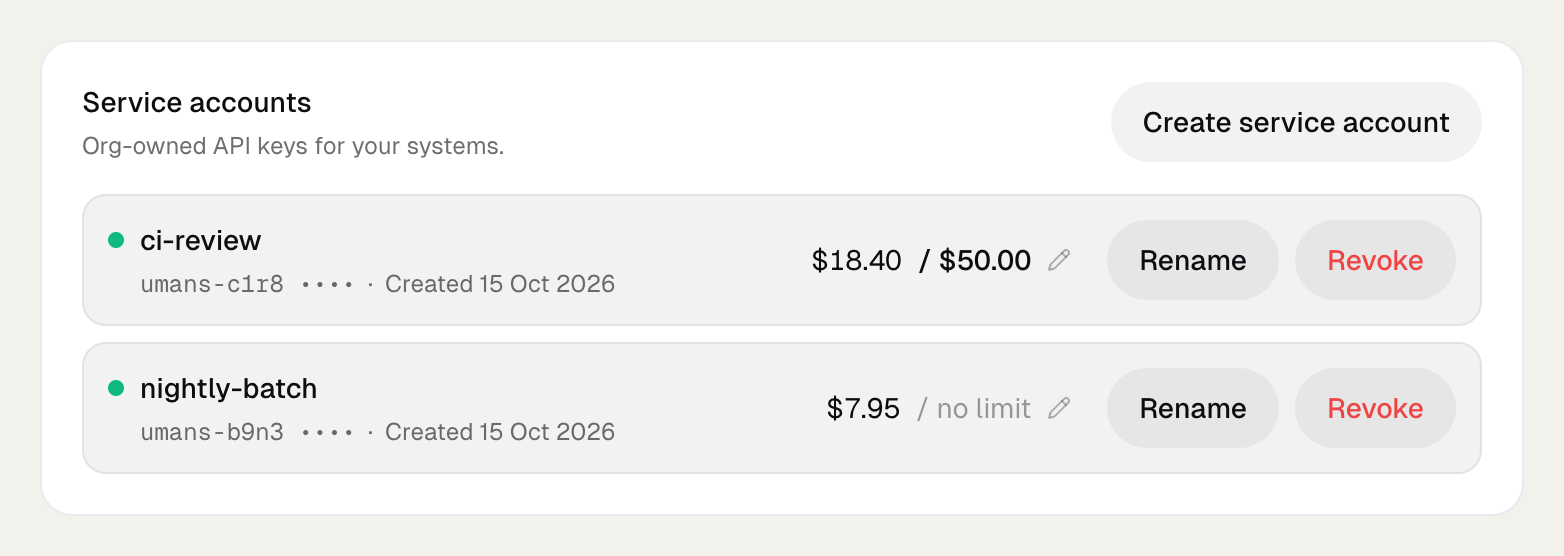
Note: Pay-per-token is how everyone runs on Umans, personal accounts included. What an organization adds on top: one shared balance, members with monthly limits, and service-account keys under org ownership.
What teams use them for
- Production alert triage & mitigation. A service-account bot watches alerts (PagerDuty, Sentry, Grafana), pulls context from the repo, and drafts a qualified mitigation plan before a human is woken up. Dollars of tokens per incident, straight from the shared budget.
- Code review on every PR. Run a review pass automatically with the same models your engineers use in their IDE. Typically a fraction of the cost of hosted alternatives, and consistent with how the team already codes.
- Scheduled maintenance. Migration passes, dependency bumps, flaky-test investigations. Anything you'd normally hand to an agent on a cron.
Good fits share a shape: non-interactive, bounded token budget, value per run is measurable.
Paying
An organization pays in one of three ways.
Credits
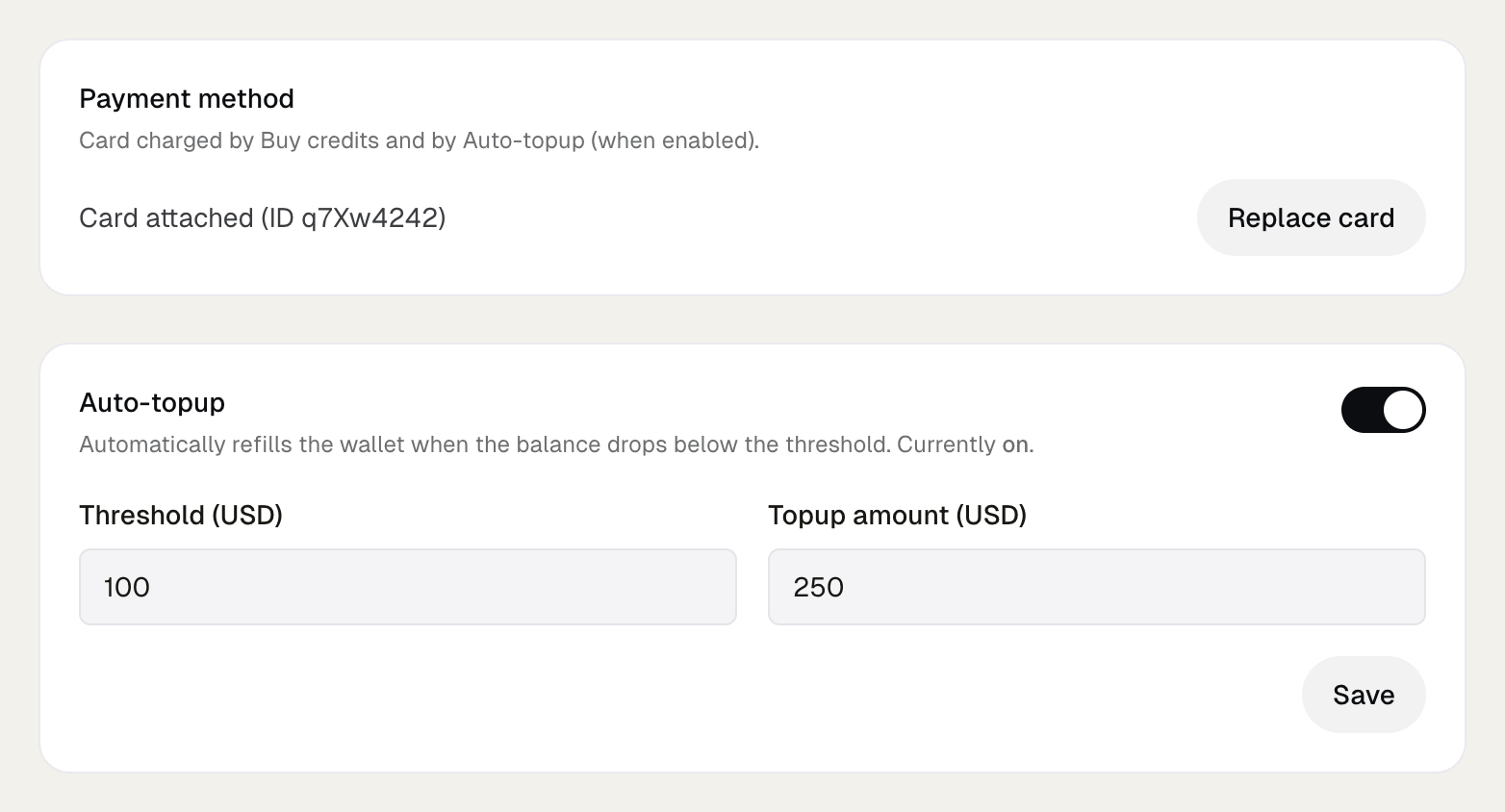
Add a card in Wallet and buy credits when you want. Auto-topup refills the balance when it drops below your threshold.
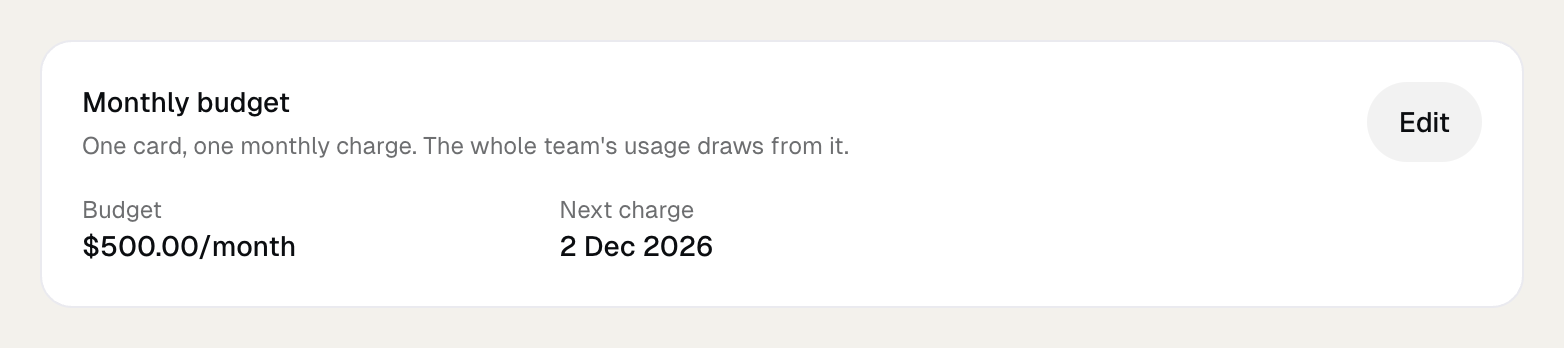
Monthly budget
One fixed charge on the same day each month. Ask us to set it up, then change the amount yourself in Wallet. It replaces Auto-topup, and you can still buy credits when a month needs more.
AWS Marketplace
Three listings put Umans on your AWS bill: pay as you go, credits every month, or credits bought once. Each has its guide under AWS Marketplace.
If the balance runs out
Every key of the organization stops until the wallet is funded again. The Negative balance limit in Wallet sets how far below zero the balance may go first, from $0 to the maximum of your tier. It does not exist on AWS pay-as-you-go.
Legacy seat subscriptions: before August 2026, organizations bought flat-rate seats ($50 / seat / month) with pooled sessions. Seat plans were sunset alongside the personal plans, and budget sharing is the model for new organizations. A few long-standing orgs still run seat subscriptions while they convert; member keys there stay subscription-funded, and only service accounts draw from the wallet, until the conversion lands. If that's you, nothing changes until we talk.
Usage
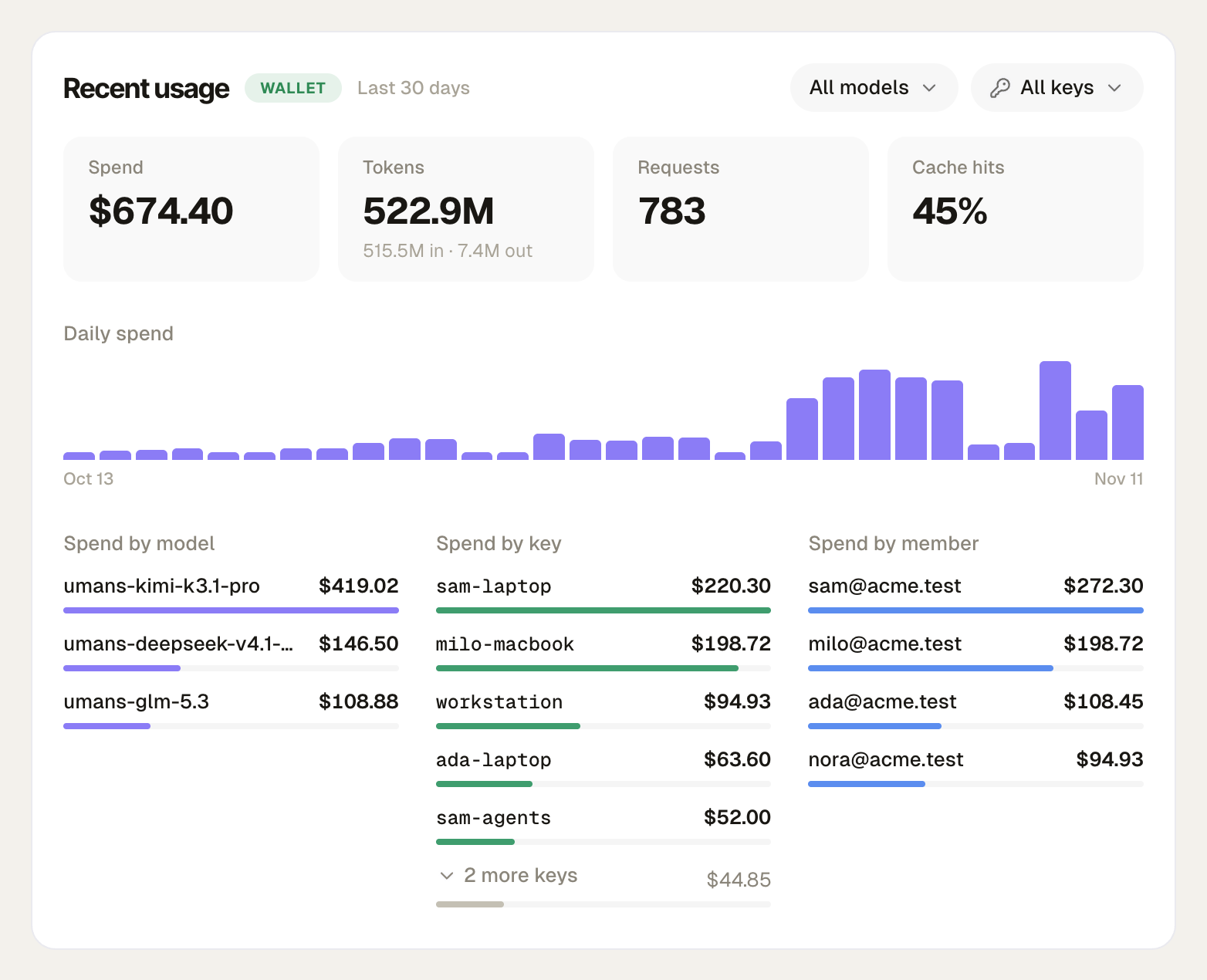
Organization usage shows spend by member, by key and by model, day by day, with a CSV export. Each member sees their own under My usage.
Parallel requests
Each member can run 4 requests at the same time, with no cap on how many they send. Beyond about twice that, requests return a 429 and coding tools retry by themselves. Service accounts share the limits of the wallet's tier. Both are detailed under Limits in the User Guide.
Token pricing
The public per-model rates (the same ones on /pricing) apply to member and service-account usage alike (legacy seat subscriptions bill per seat until converted). Prices in USD per 1 million tokens. Each request debits exactly what the model consumed (input, output, cache reads, cache writes), with no per-call minimums.
| Model | Origin model | Input / 1M | Output / 1M | Cache read / 1M | Notes |
|---|---|---|---|---|---|
| umans-deepseek-v4.1-flash | deepseek-v4.1-flash | $0.1500 | $0.6000 | $0.0280 | Our featured model: DeepSeek's latest flash model on its 1017 update, with native vision, a 1M context and four reasoning modes (think high by default). The workhorse for agentic automation. umans-coder and umans-flash run it, at the same rates. |
| umans-kimi-k3.1-pro | kimi-k3.1-pro | $2.0000 | $10.0000 | $0.2000 | Moonshot’s newest open model, post-trained from Kimi K3: 1M context, native vision, max reasoning by default. The premium tier for repository-scale agentic runs; umans-kimi-k3 has run it since November 9, 2026, at the same rates. |
| umans-glm-5.3 | glm-5.3 | $1.4000 | $4.4000 | $0.2600 | Z.ai's flagship coding model: the GLM 5.2 successor on a 1M context. Always thinks (dial low to max). |
Kimi K2.7-Code (umans-kimi-k2.7) and GLM 5.2 (umans-glm-5.2) are discontinued as of September 10, 2026, and DeepSeek V4 Pro (umans-deepseek-v4-pro-0813) as of September 14, 2026; requests to the retired ids return a clear deprecation error pointing to umans-kimi-k3.1-pro, umans-glm-5.3 and umans-deepseek-v4.1-flash respectively. GLM 5.3 Flash (umans-glm-5.3-flash), DeepSeek V4 Flash (umans-deepseek-v4-flash-0731) and umans-qwen3.6-35b-a3b were retired on November 1, 2026: requests still pinned to them keep routing for a short grace tail, then return the same error; move them to umans-deepseek-v4.1-flash. Kimi K3 (umans-kimi-k3) was retired on November 9, 2026: the id keeps working, served by Kimi K3.1 Pro at its rates; move it to umans-kimi-k3.1-pro. umans-coder, the recommended default, and umans-flash route to our current picks (DeepSeek V4.1 Flash today, at its rates); the live target is always on GET /v1/models/info.